laravel-metrics-ga4 maintained by jeffersongoncalves
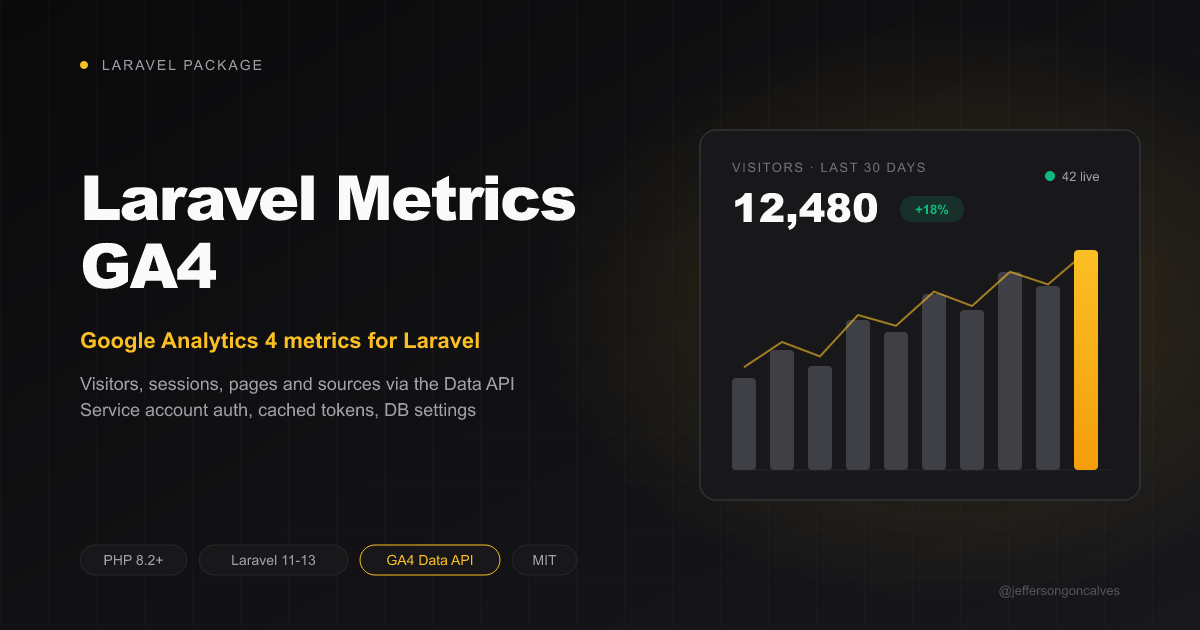
Laravel Metrics GA4




Laravel package to read Google Analytics 4 metrics through the GA4 Data API: visitors, sessions, pageviews, bounce rate, session duration, top pages, sources, countries, browsers, devices and realtime users — for dashboards, reports and automations.
Authentication uses a Google Cloud service account (JWT signed locally with OpenSSL, no Google SDK). Access tokens are cached until they expire.
Settings are stored in the database via spatie/laravel-settings — no config files needed. The service account key is stored encrypted.
Looking to add the gtag.js tracking script to your Blade layout instead? Use jeffersongoncalves/laravel-ga4.
Installation
composer require jeffersongoncalves/laravel-metrics-ga4
Run migrations to create the settings:
php artisan migrate
Google Cloud setup
- In Google Cloud Console, enable the Google Analytics Data API for a project.
- Create a service account and download a JSON key for it.
- In Google Analytics, open Admin → Property access management and add the service account's
client_emailwith the Viewer role. - Copy the numeric Property ID from Admin → Property details.
Configuration
After migration, the settings are seeded from environment variables:
GA4_PROPERTY_ID=123456789
GA4_SERVICE_ACCOUNT_JSON='{"type":"service_account","client_email":"...","private_key":"..."}'
You can also update settings programmatically:
use JeffersonGoncalves\MetricsGA4\Settings\GA4Settings;

$settings = app(GA4Settings::class);
$settings->property_id = '123456789';
$settings->service_account_json = file_get_contents(storage_path('app/ga4-key.json'));
$settings->save();
Usage
use JeffersonGoncalves\MetricsGA4\Facades\GA4;
Every method takes an optional $propertyId as its last argument, defaulting to the configured property. $days counts back from today (inclusive): 30 = the last 30 days, 1 = today.
Aggregate totals
$stats = GA4::aggregate();

$stats->visitors();       // 1234  (activeUsers)
$stats->visits();         // 1500  (sessions)
$stats->pageviews();      // 4321  (screenPageViews)
$stats->bounceRate();     // 41.5  (bounceRate, as a percentage)
$stats->visitDuration();  // 96.0  (averageSessionDuration, seconds)

// Pick metrics and period
$stats = GA4::aggregate(['visitors', 'pageviews'], days: 7);
Package metric names map to GA4 metrics: visitors → activeUsers, visits → sessions, pageviews → screenPageViews, bounce_rate → bounceRate, visit_duration → averageSessionDuration. Any other value is passed through as a raw GA4 metric name.
Timeseries
// Daily visitors and pageviews over the last 30 days
foreach (GA4::timeseries() as $row) {
    echo $row->label.': '.$row->visitors();  // 2026-09-01: 120
}
Breakdowns
$pages = GA4::pages(days: 30, limit: 10);      // pagePath
$sources = GA4::sources();                      // sessionSource
$countries = GA4::countries();                  // country
$browsers = GA4::browsers();                    // browser
$devices = GA4::devices();                      // deviceCategory

foreach ($pages as $row) {
    echo $row->label;                  // /blog/hello-world
    echo $row->visitors();             // 90
    echo $row->metric('pageviews');    // 120
}

// Any other GA4 dimension
$rows = GA4::breakdown('city', days: 7, metrics: ['visitors', 'visits']);
Realtime
$visitors = GA4::realtimeVisitors(); // active users in the last 30 minutes
Raw reports
$response = GA4::runReport([
    'dateRanges' => [['startDate' => '2026-01-01', 'endDate' => '2026-01-31']],
    'dimensions' => [['name' => 'landingPage']],
    'metrics' => [['name' => 'conversions']],
]);
Error Handling
| Exception | When |
|---|---|
AuthenticationException |
Missing/invalid service account key, missing property id, token request rejected, or 403 (service account is not a Viewer of the property) |
RateLimitException |
HTTP 429 (Data API quota exceeded) |
GA4Exception |
Any other API failure (base class of both above) |
Testing
composer test
Code Style
composer format
Static Analysis
composer analyse
Changelog
Please see CHANGELOG for more information on what has changed recently.
Security Vulnerabilities
Please review our security policy on how to report security vulnerabilities.
Credits
License
The MIT License (MIT). Please see License File for more information.