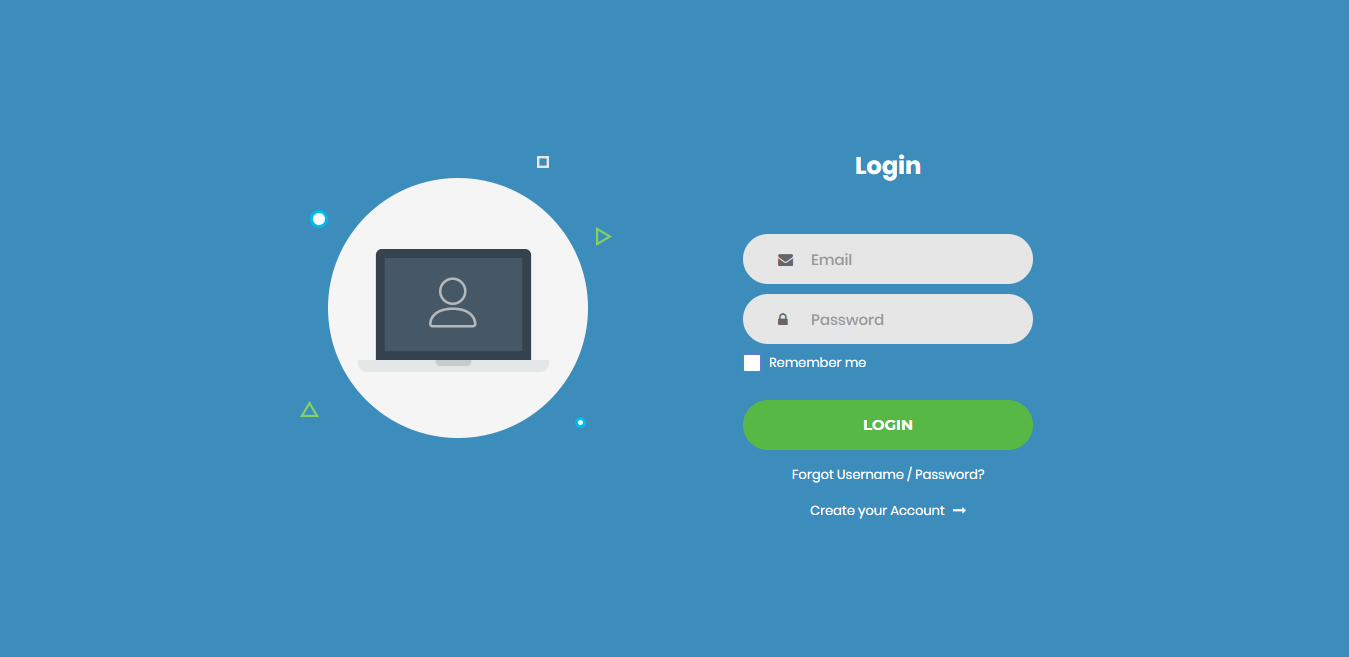
laravel-auth-ui maintained by larasnap
LaraSnap Auth UI
Note
We recommend installing this package on a project that you are starting from scratch, otherwise your project's design might break.
Installation
After initializing a fresh instance of Laravel (and making all the necessary configurations), install the auth UI using by below steps
- Open your Terminal &
Cdto your Laravel app - Type in your terminal:
composer require laravel/uiandphp artisan ui vue --auth - Install this auth UI via
composer require larasnap/laravel-auth-ui. No need to register the service provider. Laravel 5.5 & up can auto detect the package. - Run
php artisan ui larasnap-auth-uicommand to install the auth UI. This will install all the necessary assets and also the custom auth views. - In your terminal run
composer dump-autoload.
To preset the admin dashboard, use larasnap/laravel-admin composer package. Admin Dashboard Documentation https://karthicksivakumar191194.github.io/larasnap/
Screen shots