laravel-admin maintained by shengfai
An administrative interface package for Laravel.
Screenshots
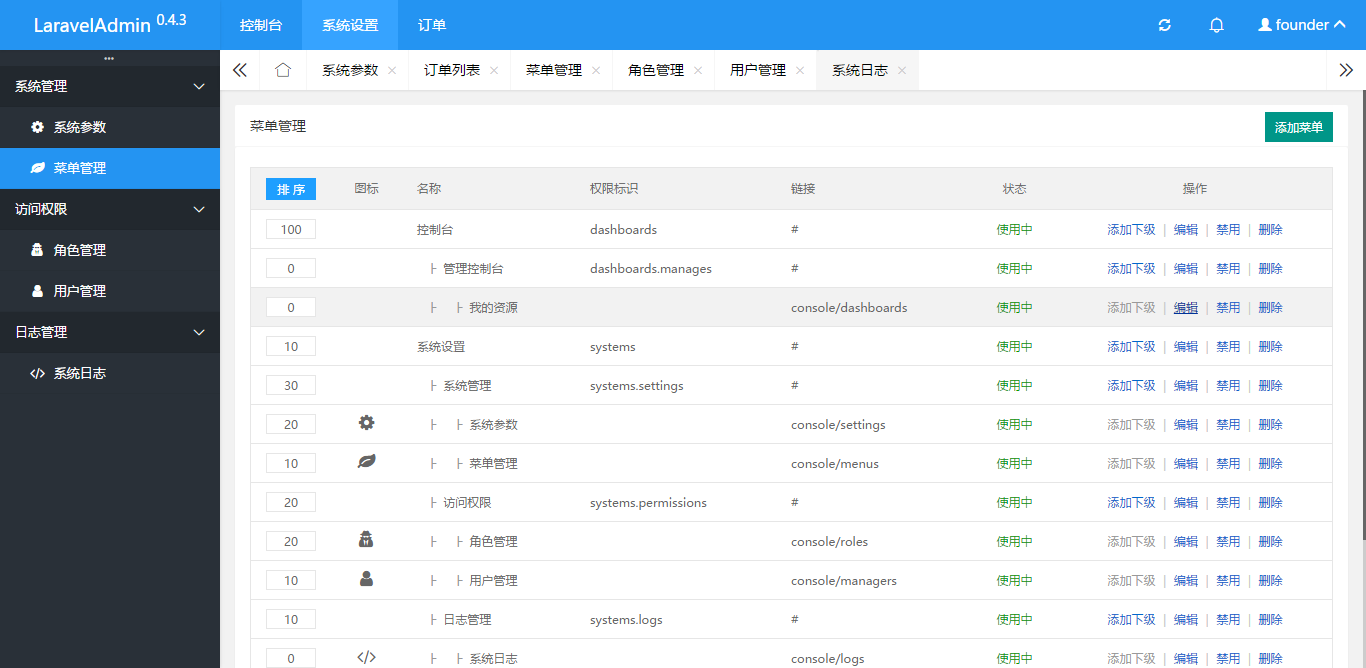
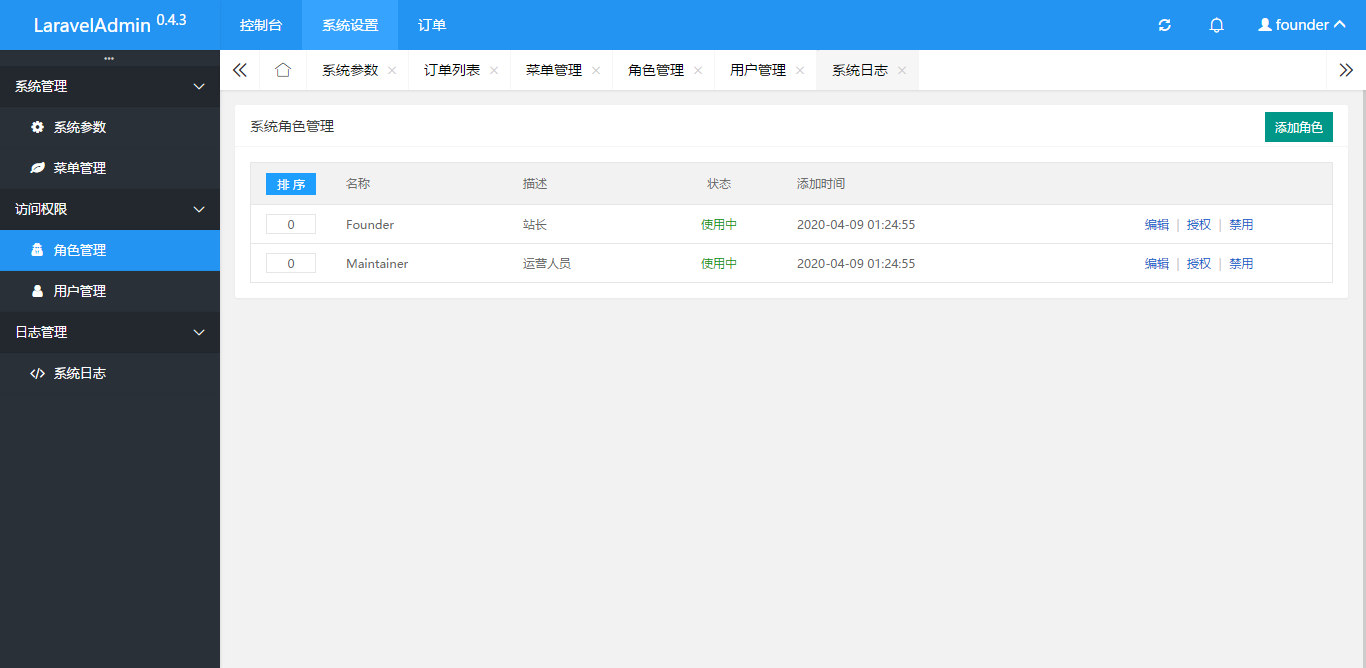
Look here for lots of screenshots for the application.
Required
- PHP 7.0 +
- Laravel 7.0 +
Installing
You can install the package using composer.
$ composer require shengfai/laravel-admin -vvv
Then run following command to finish install.
$ php artisan admin:install
Open http://localhost/console/ in browser,use username 13123456789 and password 111111 to login.
Usage
Custom routes
Create routes/administrator.php file:
<?php

use Illuminate\Support\Facades\Route;

// 资源路由
Route::resources([
    'schools' => 'SchoolController',           // 学校管理
]);
Setup your controllers
Create app/Http/Controllers/Admin/SchoolController.php file:
<?php

namespace App\Http\Controllers\Admin;

use App\Models\School;
use App\Services\SchoolService;
use Illuminate\Http\Request;
use Shengfai\LaravelAdmin\Controllers\Controller;

/**
 * 学校控制台
 * Class SchoolController
 *
 * @author ShengFai <shengfai@qq.com>
 * @version 2020年4月16日
 */
class SchoolController extends Controller
{

    /**
     * The title of the page.
     *
     * @var string $title
     */
    protected $title = '学校管理';

    /**
     * Display a listing of the resource.
     *
     * @return \Illuminate\Http\Response
     */
    public function index()
    {
        $queryBuilder = School::sorted();

        return $this->list($queryBuilder);
    }

    /**
     * Show the form for creating a new resource.
     *
     * @return \Illuminate\Http\Response
     */
    public function create()
    {
        $types = School::types();
        $this->assign('types', $types);

        return $this->form();
    }

    /**
     * Store a newly created resource in storage.
     *
     * @param \Illuminate\Http\Request $request
     * @return \Illuminate\Http\Response
     */
    public function store(Request $request)
    {
        $newSchoolData = collect($request->all());

        $activity = (new SchoolService())->store($newSchoolData);

        return $this->success('数据添加成功', '');
    }

    /**
     * Display the specified resource.
     *
     * @param \App\Models\School $school
     * @return \Illuminate\Http\Response
     */
    public function show(School $school)
    {
        //
    }

    /**
     * Show the form for editing the specified resource.
     *
     * @param \App\Models\School $school
     * @return \Illuminate\Http\Response
     */
    public function edit(School $school)
    {
        //
    }

    /**
     * Update the specified resource in storage.
     *
     * @param \Illuminate\Http\Request $request
     * @param \App\Models\School $school
     * @return \Illuminate\Http\Response
     */
    public function update(Request $request, School $school)
    {
        // 更新指定字段
        if ($request->isMethod('Patch')) {
            tap($school)->update([
                $request->field => $request->value
            ]);

            return $this->success('数据更新成功', '');
        }
    }

    /**
     * Remove the specified resource from storage.
     *
     * @param \App\Models\School $school
     * @return \Illuminate\Http\Response
     */
    public function destroy(School $school)
    {
        //
    }
}
Setup your views
Create resources\views\vendor\admin\school\index.blade.php file:
@extends('admin::layouts.content')

@section('button')
<button data-modal="{{route('admin.schools.create')}}" data-title="添加学校" class="layui-btn layui-btn-sm">添加学校</button>
@stop

@section('content')
<div class="layui-card">
    <div class="layui-card-body">
    <form autocomplete="off" onsubmit="return false;" data-auto="true" method="get">
        @empty($list)
        <p class="help-block text-center well">没 有 记 录 哦!</p>
        @else
        <input type="hidden" value="resort" name="action">
        <input type="hidden" name="_token" value="{{ csrf_token() }}">
        <table id="test" class="layui-table" lay-skin="line">
            <thead>
            <tr>
                <th class='list-table-sort-td'>
                    <button type="submit" class="layui-btn layui-btn-normal layui-btn-xs">排 序</button>
                </th>
                <th class="text-left">编号</th>
                <th class="text-left">名称</th>
                <th class="text-left">创建时间</th>
                <th class="text-left">操作</th>
            </tr>
            </thead>
            <tbody>
            @foreach ($list as $key => $vo)
            <tr>
                <td class="list-table-sort-td">
                    <input name="_{{ $vo->id }}" value="{{ $vo->sort }}" class="list-sort-input">
                </td>
                <td class="text-left">{{ $vo->code }}</td>
                <td class="text-left">{{ $vo->letter }} {{ $vo->name }}</td>
                <td class="text-left">{!! $vo->getTimestampFormat() !!}</td>
                <td class="text-left">
                    <a data-title="编辑资料" data-modal="{{ route('admin.schools.edit', $vo->id) }}">编辑</a>
                    <span class="text-explode">|</span>
                    @if ($vo->status === 1)
                    <a data-update="{{ $vo->id }}" data-field="status" data-value="0"  data-csrf="{{ csrf_token() }}" data-action="{{ route('admin.schools.update', $vo->id) }}">禁用</a>
                    @else
                    <a data-update="{{ $vo->id }}" data-field="status" data-value="1" data-csrf="{{ csrf_token() }}" data-action="{{ route('admin.schools.update', $vo->id) }}">启用</a>
                    @endif
                </td>
            </tr>
            @endforeach
            </tbody>
        </table>
        @if (isset($page))<p>{!! $page !!}</p>@endif
        @endempty
    </form>
    </div>
</div>

@stop
Contributing
You can contribute in one of three ways:
- File bug reports using the issue tracker.
- Answer questions or fix bugs on the issue tracker.
- Contribute new features or update the wiki.
The code contribution process is not very formal. You just need to make sure that you follow the PSR-0, PSR-1, and PSR-2 coding guidelines. Any new code contributions must be accompanied by unit tests where applicable.
Extensions
laravel-admin based on following plugins or services:
License
MIT