laravel-admin maintained by acmepackage
Laravel Admin Panel
An admin panel for managing users, roles, permissions & crud.
Requirements
Laravel >=9
PHP >= 8.0
composer `2.4.2`
node `16.17.1`
npm `8.15.0`
WebPack and laravel mix
Now we Support Laravel 9
templates version
Bootstrap v4
AdminLTE 3.1
Features
- User, Role & Permission Manager
- CRUD Generator
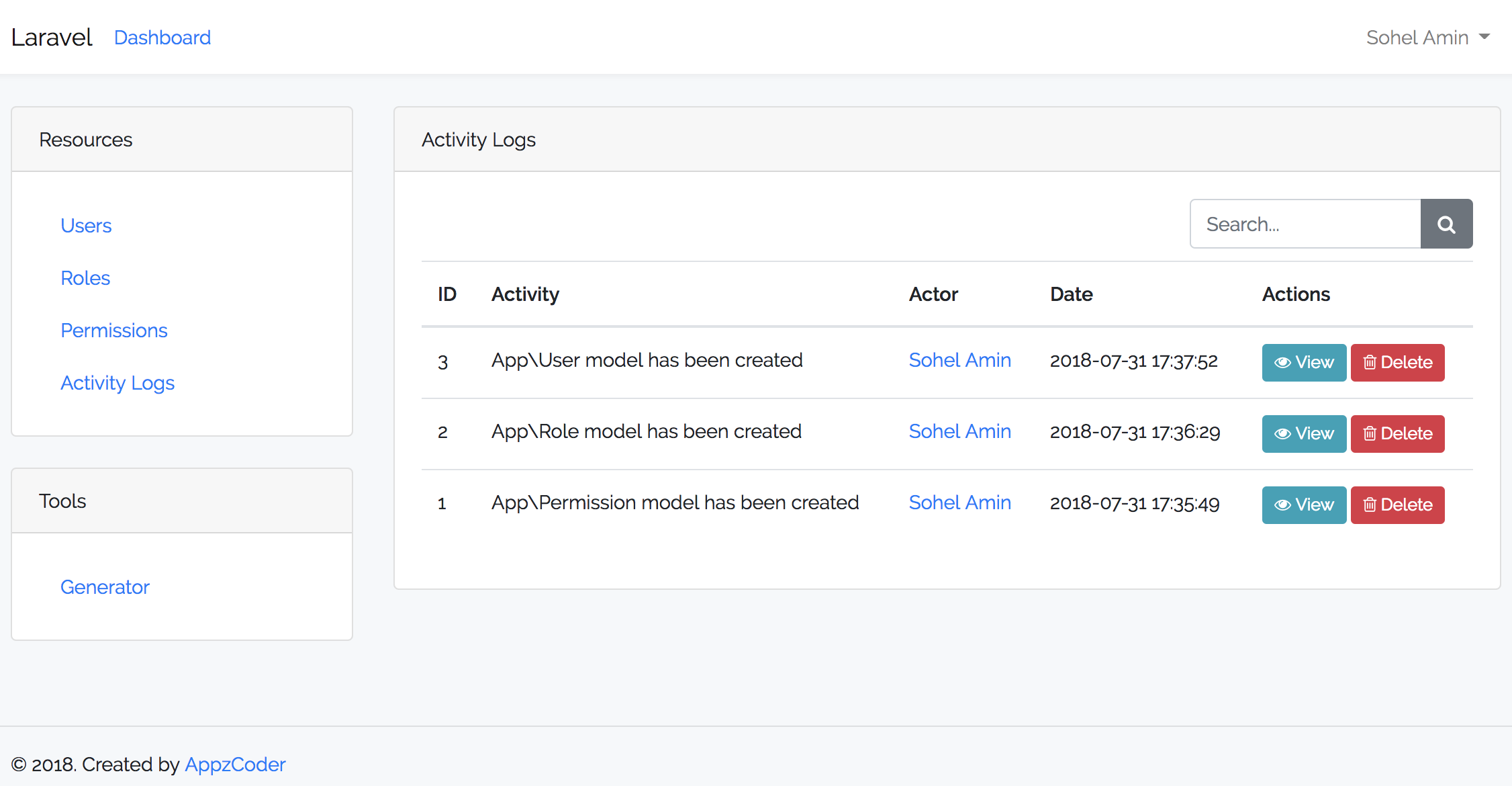
- Activity Log
- Page CRUD
- Settings
Installation
- Run
composer require acmepackage/laravel-admin - Make sure your user model's has a
HasRolestrait app/Models/User.php.class User extends Authenticatable { use Notifiable, HasRoles; ... - Create auth assets
and don't replace auth viewsphp artisan ui bootstrap --auth - Add the following line to the "web.php" file located in routes folder
require('admin.php');
- Register localization middleware in app/Http/Kernel.php
protected $middlewareGroups = [
'web' => [

            \App\Http\Middleware\Localization::class,

        ],

    ];
- Run the following command
php artisan vendor:publish --all
-
Remove your package.json located in the project root dir and rename package.json.example in the same dir to package.json then rename webpack.mix.js.example to webpack.mix.js
-
Run the following commands to install node and build the node packages
npm install
npm install --save-dev webpack
npm run dev
- To create seeder for roles and language, add the following lines to DatabaseSeeder.php in the "run" function
     $this->call([
             RoleTableSeeder::class,
            LanguageTableSeeder::class,
        ]);
- Finally run
php artisan migrate --seed
- Open the following url after running "php artisan serve" your_url/admin
Note: we use webpack only not vite
Note: If you are using Laravel 7+ then scaffold the authentication with bootstrap for a better experience. . You can generate CRUD easily through generator tool now.
Usage
-
Create some permissions.
-
Create some roles.
-
Assign permission(s) to role.
-
Create user(s) with role.
-
For checking authenticated user's role see below:
// Add role middleware in app/Http/Kernel.php
protected $routeMiddleware = [
    ...
    'role' => \App\Http\Middleware\CheckRole::class,
];
// Check role anywhere if (Auth::check() && Auth::user()->hasRole('admin')) { // Do admin stuff here } else { // Do nothing } // Check role in route middleware Route::group(['namespace' => 'Admin', 'prefix' => 'admin', 'middleware' => ['auth', 'role:admin']], function () { Route::get('/', ['uses' => 'AdminController@index']); }); // Check permission in route middleware Route::group(['namespace' => 'Admin', 'prefix' => 'admin', 'middleware' => ['auth', 'can:write_user']], function () { Route::get('/', ['uses' => 'AdminController@index']); }); -
For checking permissions see below:
if ($user->can('permission-name')) {
    // Do something
}
Learn more about ACL from here
For activity log please read spatie/laravel-activitylog docs
Screenshots



Author
[Mohamed Hassan] :email: Email Me
##reference
Sohel Amin :email: Email Me
License
This project is licensed under the MIT License - see the License File for details