laravel-image-cache maintained by jeffersongoncalves
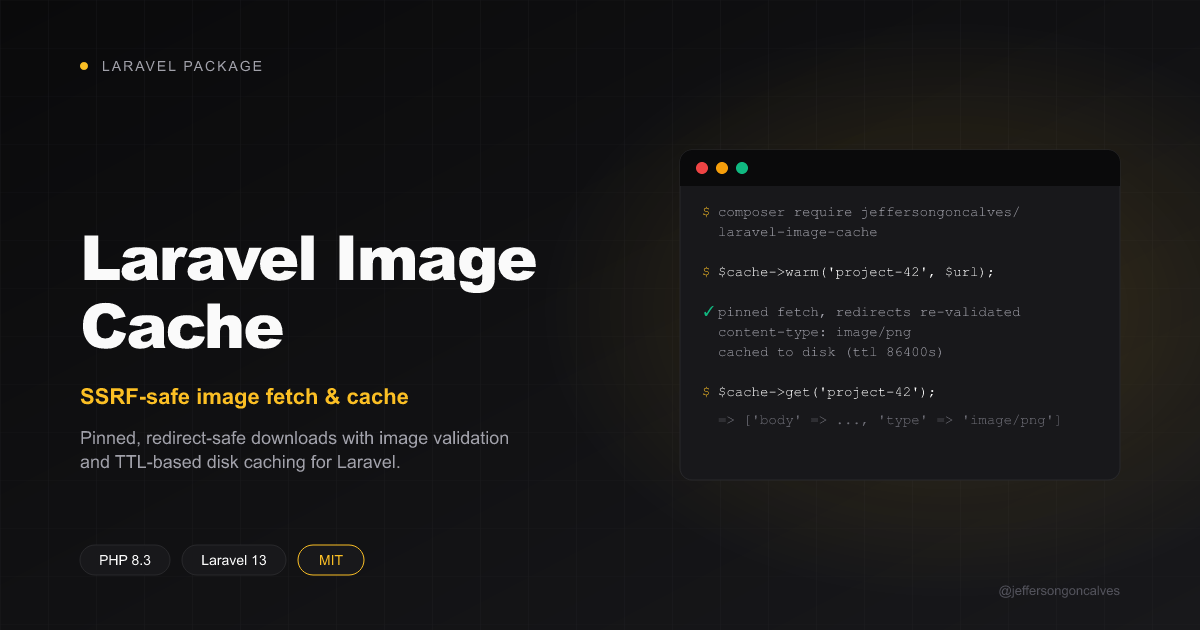
Laravel Image Cache





Fetching a user-supplied or third-party image URL and re-serving it from your own origin (an og:image, a README-embedded image, an avatar) needs three things done correctly every time: the fetch must be safe against SSRF (pinned to a validated public IP, every redirect hop re-checked), the response must actually be an image before you store it, and repeat requests should be served from a local, TTL-based cache instead of re-fetching on every hit.
Laravel Image Cache packages that fetch-and-persist mechanic behind a small class you construct per use-site:
$cache = new ImageCache(disk: 'public', pathPrefix: 'og-images', ttlSeconds: 86400);

$cache->warm('project-42', $untrustedImageUrl);
It does not decide which URL to fetch for a given key (that's app-specific — resolve it from a model, parse it out of HTML, whatever fits your app) or which hosts are allowed (that's also a caller decision). What it guards is where the URL you already decided to fetch actually resolves to — via jeffersongoncalves/laravel-ssrf-guard.
Installation
You can install the package via composer:
composer require jeffersongoncalves/laravel-image-cache
You can publish the config file with:
php artisan vendor:publish --tag="image-cache-config"
This is the published config file:
return [
    'timeout' => (int) env('IMAGE_CACHE_TIMEOUT', 8),
    'max_redirects' => (int) env('IMAGE_CACHE_MAX_REDIRECTS', 3),
];
Usage
Construct an ImageCache per use-site with the Laravel disk to store on, a path prefix, and a TTL (defaults to 24 hours):
use JeffersonGoncalves\ImageCache\ImageCache;

$cache = new ImageCache(disk: 'public', pathPrefix: 'og-images', ttlSeconds: 86400);
Warming the cache
warm() fetches and persists the image if the disk copy is missing or older than the TTL. It no-ops (returns true) when already fresh, and never throws — any failure (network error, non-2xx, non-image content type, a redirect into a non-public host) is logged as a warning and false is returned, leaving any existing stale copy untouched. Serving yesterday's copy beats erroring:
$cache->warm(key: 'project-42', url: $project->social_image);
By default warm() validates and pins the URL itself via SsrfGuard::resolveEntries(). If you already resolved/validated the URL yourself (for example you called resolveEntries() earlier to decide whether the source even has an image, and don't want a second DNS lookup), pass the resulting CURLOPT_RESOLVE entries directly:
use JeffersonGoncalves\SsrfGuard\SsrfGuard;

$resolve = app(SsrfGuard::class)->resolveEntries($url);

if ($resolve !== null) {
    $cache->warm('project-42', $url, $resolve);
}
Passing an empty array ([]) skips pinning entirely — useful for a URL you already trust unconditionally (e.g. a fixed first-party API endpoint) and don't need DNS-rebinding protection for.
Reading back a cached image
$image = $cache->get('project-42');
// ['body' => '<binary>', 'type' => 'image/png'] or null if never warmed successfully
Serving it from a controller
response() is a thin convenience wrapper around get() for the common controller case — it returns a ready-to-send response with the right Content-Type and X-Content-Type-Options: nosniff, or null when the key was never warmed:
public function show(string $slug)
{
    return $cache->response($slug) ?? abort(404);
}
Configuration
| Key | Default | Description |
|---|---|---|
timeout |
8 |
Maximum seconds a warm() fetch may run. |
max_redirects |
3 |
How many redirect hops to follow — each one is re-validated against SsrfGuard. |
Testing
composer test
Changelog
Please see CHANGELOG for more information on what has changed recently.
Contributing
Please see CONTRIBUTING for details.
Security
Please review our security policy on how to report security vulnerabilities.
Credits
License
The MIT License (MIT). Please see License File for more information.